Splits two-page spreads
Finds the spine and turns one photo of an open book into a left and a right page.
 ScannerOnline
or drag them here
Photos are uploaded to our server and deleted after 15 minutes of inactivity.
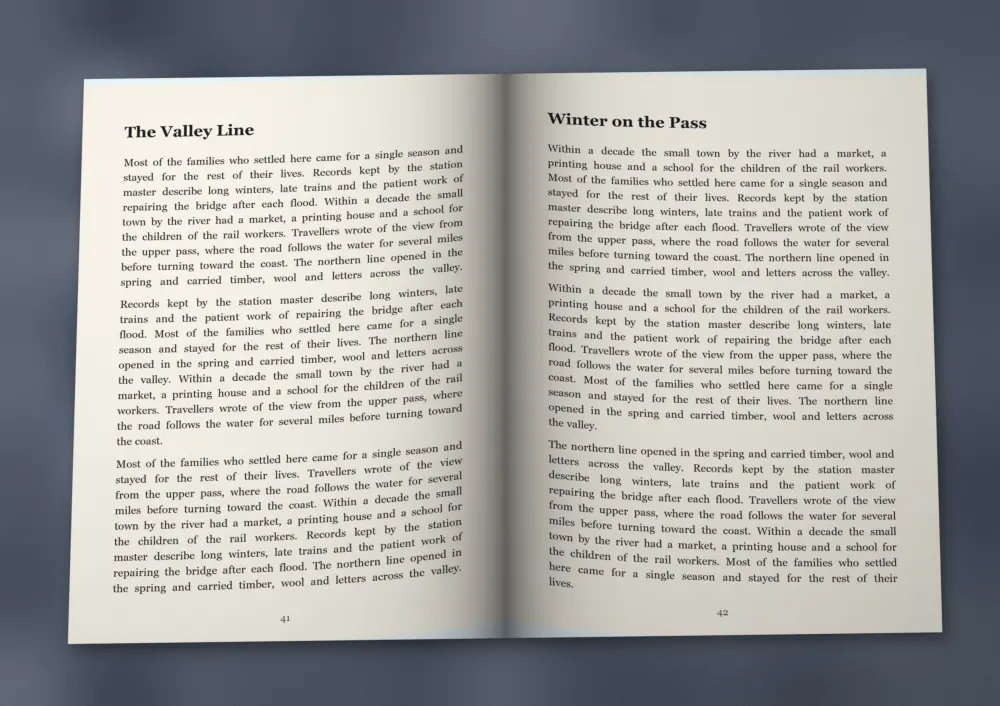 Photo
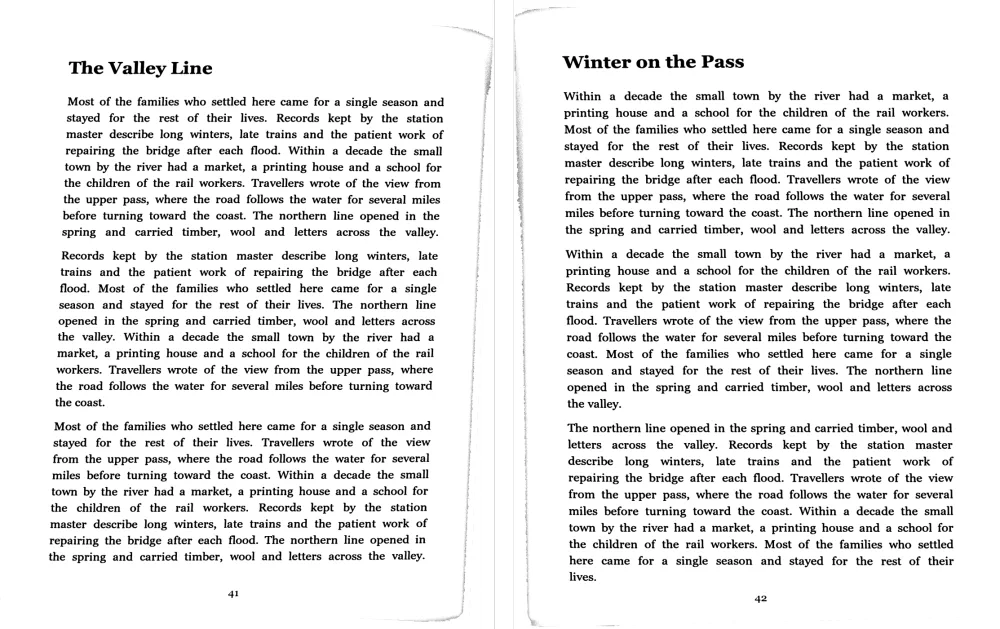 ScannerOnline result
An online book scanner is a web tool that turns photos of an open book into separate, flat, readable pages, with no book scanner hardware and no need to cut the binding.
ScannerOnline is a free online book scanner that works from ordinary phone photos. Each photo of a spread becomes two pages: it finds the spine, corrects the curve of the paper and sharpens the text, then builds a single PDF.
Finds the spine and turns one photo of an open book into a left and a right page.
Measures how the lines of text bend near the spine and straightens them. If a correction would not improve the page, it is left alone.
Removes the band of page edges that shows up along the side of thick books.
Orders pages by when each photo was taken, so the PDF starts with your first shot.
Black and white output keeps thin strokes crisp, while grayscale and color suit illustrations.
Photograph each open spread with your phone, add the photos to ScannerOnline and download the PDF. ScannerOnline splits the pages and flattens the curve for you.
Yes. ScannerOnline is free to use, and you do not need to sign up or install anything.
Yes. ScannerOnline detects a two-page spread automatically and creates a left and a right page. If the split is off, you can crop each page by hand.
Yes, in most photos of printed text. ScannerOnline corrects the curve and checks the result. When a correction would not make the lines straighter, it keeps the page as photographed.
You can add up to 50 photos every 15 minutes, and each photo of a spread produces two pages. It takes JPG, PNG, WebP and HEIC photos up to 50 MB each.
Yes. Pages follow the time each photo was taken. On a computer you can also drag pages to reorder them.
Only scan books you have the right to copy, such as your own work, books in the public domain, or copies allowed by the law where you live.
Photos are uploaded to our server for processing. They can only be reached from your browser, are not sent to third-party services, and are deleted automatically after 15 minutes of inactivity. Press New to delete them right away.