Finds the page
Detects the edges of the page and removes the background around it.
 ScannerOnline
or drag them here
Photos are uploaded to our server and deleted after 15 minutes of inactivity.
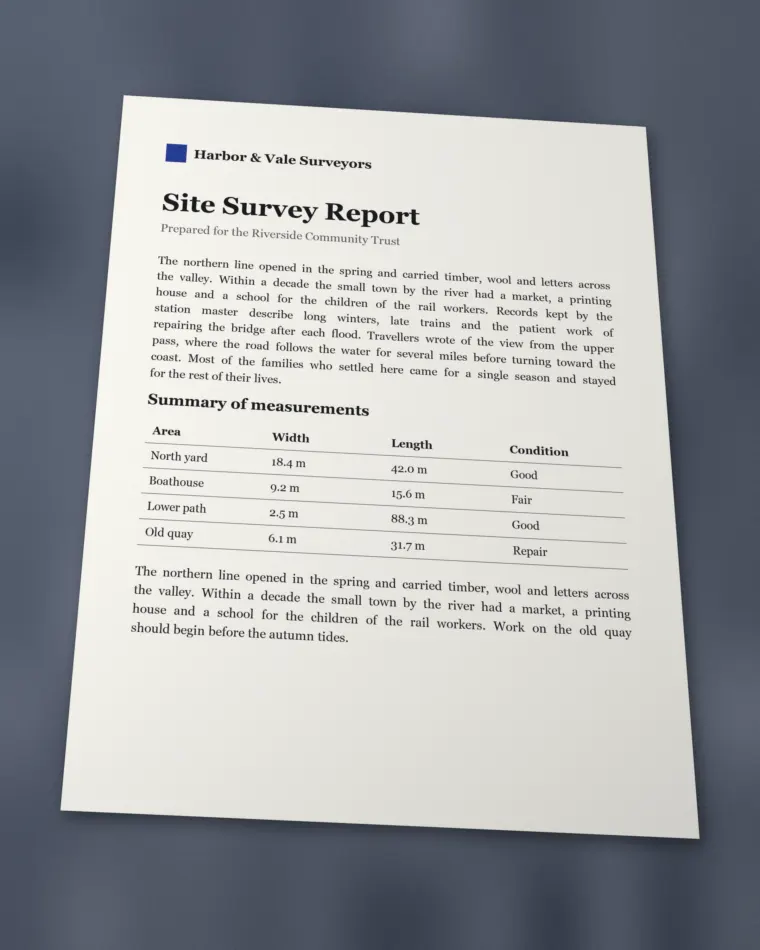 Photo
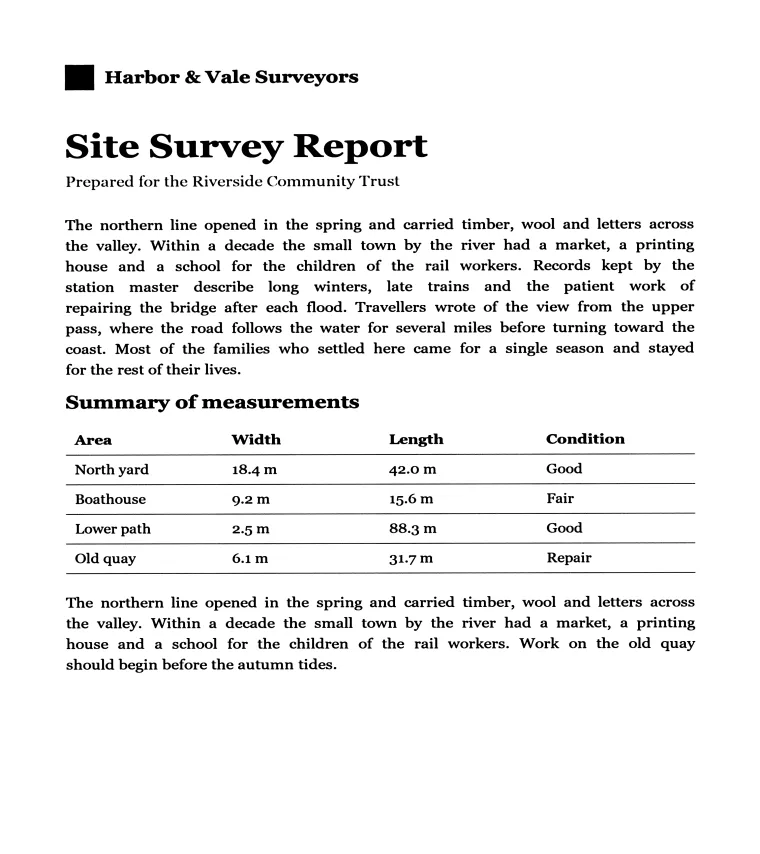 ScannerOnline result
An online scanner is a web tool that turns photos of paper into clean digital pages, with no physical scanner and no app to install.
ScannerOnline is a free online scanner for documents, notes and books. It detects each page in your photo, corrects the angle it was taken from, evens out the lighting, and combines the result into a single PDF.
Detects the edges of the page and removes the background around it.
Corrects perspective and straightens tilted text, so the page looks scanned from above.
Reduces shadows and uneven light so the text stands out from the paper.
Reads the direction of the text and rotates the photo upright.
Puts every page into one PDF, in the order the photos were taken.
Take a photo of the document with your phone, open ScannerOnline in your browser, add the photo and download the PDF. ScannerOnline crops and straightens the page for you.
Yes. ScannerOnline is free to use, and you do not need to sign up or install anything.
No. ScannerOnline runs in your browser, on a phone or a computer, without sign-up or installation.
Yes. Add up to 50 photos every 15 minutes, and ScannerOnline combines every page into a single PDF.
It accepts JPG, PNG, WebP and HEIC photos up to 50 MB each, and up to 50 photos every 15 minutes. The result is a PDF.
Photos are uploaded to our server for processing. They can only be reached from your browser, are not sent to third-party services, and are deleted automatically after 15 minutes of inactivity. Press New to delete them right away.